How to buy crypto on coinbase.com
From sign-up to your first purchase: verifying your account, picking the cheapest way to pay, reading the preview screen, and what to do with your crypto once you own it.

Amelia Brooks on October 2nd
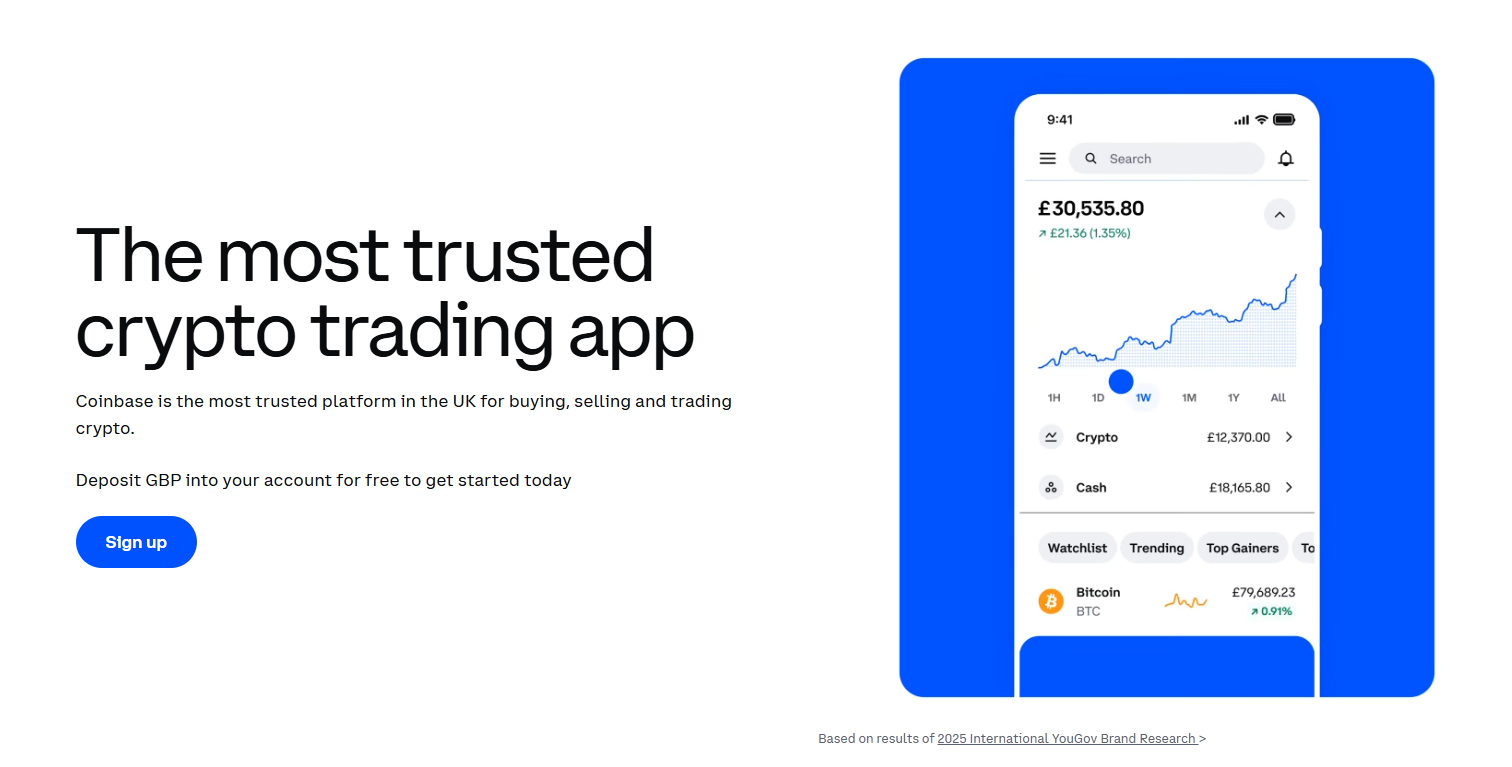
Coinbase is the on-ramp most people find first: a US-listed company, a clean web app, and a buy button that works with a bank account or a debit card. It isn't the cheapest place to buy crypto by default — but with a couple of habits it gets close.
This guide walks through buying on coinbase.com in a browser, from creating an account to your first purchase and what to do afterwards. The mobile app follows the same steps with the buttons in slightly different places.
At a glance
- Time needed
- About 15 minutes, plus identity checks
- You'll need
- Email, phone, photo ID and a way to pay
- Cheapest way to pay
- Bank transfer into your cash balance
- Most expensive way to pay
- Debit card for an instant buy
Before you start
Have these ready before you open the sign-up page. The verification flow can time out if you go hunting for documents halfway through.
- An email address you can open on the same device.
- A mobile phone number that can receive SMS, for the first verification code.
- A government-issued photo ID — a passport, driving licence or national ID card, depending on your country.
- A payment method in your own name. Coinbase rejects bank accounts and cards that belong to someone else.
Step 1: Create your account
Open the sign-up page
Go to coinbase.com and choose Sign up. Check the address bar before you type anything: copies of Coinbase's sign-up page are a common phishing trick, and sponsored search results are a favourite way in.
Choose a personal account
Pick an individual account rather than a business one, then enter your email address and a password you don't use anywhere else.
Confirm your email and phone
Coinbase sends a link to your inbox and a code to your phone. Both have to be confirmed before you can continue.
Step 2: Verify your identity
Like every regulated exchange, Coinbase has to know who its customers are before they can buy. Expect to be asked for:
- Your legal name, date of birth and home address
- A photo of your ID — the front, and sometimes the back
- A selfie or short face scan, matched against the photo on your ID
- A few questions about how you plan to use the account and where your money comes from
Most applications are approved within minutes. If yours is flagged for manual review it can take longer — and resubmitting the same documents again and again won't speed it up.
Step 3: Add a payment method
Open Settings → Payment methods, or wait for the prompt during your first purchase, and link a way to pay. What's on offer depends on your country, but the trade-off is always the same: the faster the money arrives, the more it tends to cost.
| Method | Speed | Cost | Good for |
|---|---|---|---|
| Bank transfer (ACH, SEPA, Faster Payments) | Minutes to a few business days | Usually free to deposit | Regular buying and larger amounts |
| Debit card | Instant | The highest fees | A small first buy you don't want to wait for |
| Apple Pay or Google Pay | Instant | Charged like a card | Convenience on a phone |
| PayPal (selected countries) | Instant | Varies by country | When your bank isn't supported |
| Wire transfer | Same or next business day | A flat fee, plus your bank's charges | Large one-off deposits |
Why a bank transfer is worth the wait
Card payments carry the steepest fee because Coinbase pays card-network charges and carries the fraud risk. A bank deposit costs little or nothing, and once it lands in your Coinbase cash balance, every buy you make from that balance is charged at the lower rate.
The catch is timing. Money that arrives by bank transfer can show in your balance straight away but stay on hold for withdrawal off Coinbase for several days while the payment clears.
Step 4: Buy your first crypto
Open Buy & sell
Click Buy & sell at the top of the page. You can also start from an asset's own page: search for it, open it and press Buy.
Pick the asset
Search by name or ticker and make sure you have the right one. Tickers aren't unique across the industry, and lookalike tokens with near-identical names exist.
Enter an amount
Type an amount in your local currency or in the crypto itself. The minimum purchase is only a few dollars, so a test buy is cheap — but very small buys pay a flat fee that can be a large share of what you spend.
Choose how to pay
Under Pay with, pick your cash balance, bank account or card. The quoted fee changes as you switch between them, so it's worth watching.
Preview, then buy
Press Preview buy. This screen shows the price per coin, the Coinbase fee and the total. Nothing has happened yet — if the numbers look wrong, go back. When you're happy, confirm with Buy now.
Once the order completes, the asset appears in your portfolio and in your transaction history, along with the price you paid and the fee you were charged.
What you actually pay
A simple buy on Coinbase has two costs, and only one of them is labelled as a fee.
The spread
Coinbase quotes a buy price slightly above the market price and a sell price slightly below it. That margin — the spread — is how the exchange gets paid for holding your quote for a short window. Coinbase has typically put it at around half a percent for simple buys, though it moves with market conditions and from one asset to another.
The Coinbase fee
On top of the spread comes a transaction fee that depends on how you pay, how much you buy and where you live. Small purchases are charged a flat amount, which makes a $10 buy proportionally far more expensive than a $500 one. Card payments sit at the top of the range; your cash balance and bank account sit at the bottom.
A cheaper route: Advanced trade
Coinbase's Advanced view runs on the same account and the same balance as the simple buy screen, but it charges maker and taker fees on a volume-based schedule instead of a spread plus a fee. Fund your cash balance by bank transfer, switch to Advanced, and place a limit order: on most amounts that costs noticeably less than the Buy button.
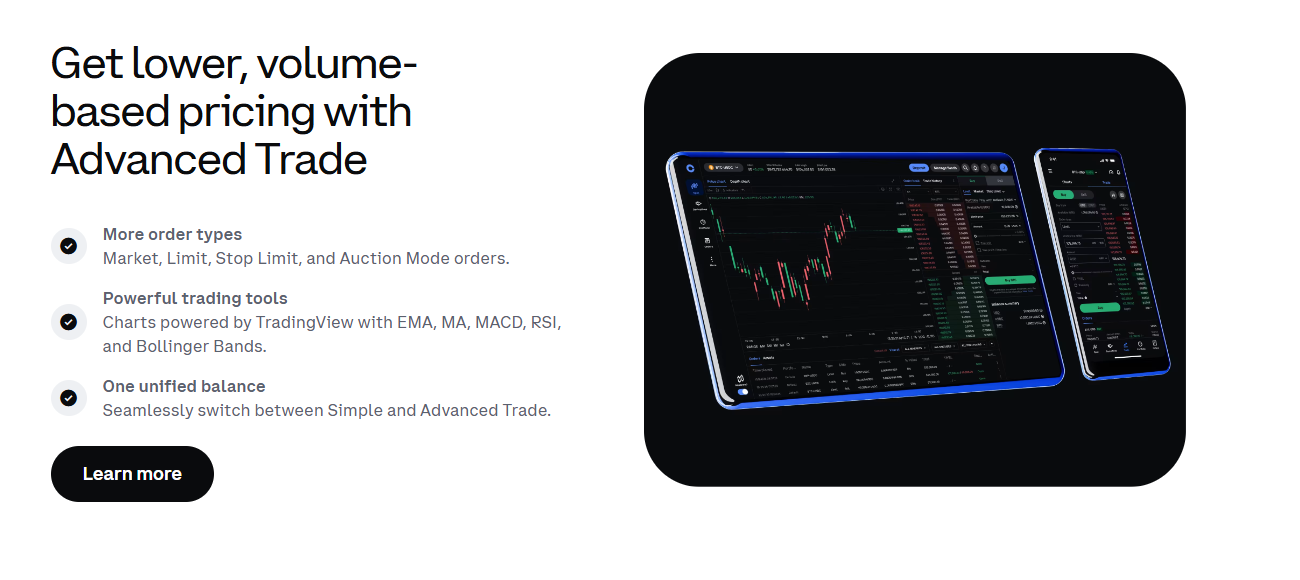
Advanced looks busier, but a basic limit order only asks for two things: the price you're willing to pay and how much you want. If the market reaches your price the order fills; if it doesn't, nothing happens and you can cancel it.
Coinbase One
Coinbase also sells a subscription, Coinbase One, that removes the transaction fee on many trades. The spread still applies, so it only pays for itself if you buy often enough for the fees you save to outweigh the monthly price.
Setting up recurring buys
If you plan to buy regularly, a recurring buy saves you remembering — and spreading purchases over time evens out the price you pay on average, a habit usually called dollar-cost averaging.
When you set up a buy, change the frequency from a one-time purchase to daily, weekly, every two weeks or monthly. Recurring buys follow the same fee rules as one-off purchases, so funding them from your cash balance rather than a card keeps them cheaper.
Where your crypto lives after you buy
Crypto you buy on Coinbase is held by Coinbase on your behalf — a custodial account. You own the balance; Coinbase holds the keys. For most new buyers that's a reasonable place to start: there's no seed phrase to lose, and you can recover the account if you forget your password.
The trade-off is that your access depends on the exchange. If your balance grows into something you'd hate to lose, consider moving some of it to a wallet you control:
- Send a small test amount first. Make sure the network you choose on Coinbase matches the network your wallet expects — a mismatch can lose the funds.
- Expect a hold on recent deposits. Money that arrived by bank transfer may need to clear before the crypto it bought can leave Coinbase.
- Keep the exchange account locked down anyway. A strong second factor protects whatever is still on it.
Common mistakes to avoid
- Paying by card out of habit. It's the fastest option and the most expensive one. Use it once if you must, then switch to bank deposits.
- Making lots of tiny purchases. Flat fees on small buys add up. Fewer, larger buys — or a recurring buy funded from your balance — cost less.
- Forgetting about the spread. "Zero fee" offers don't remove it. Compare the quoted price with the live chart.
- Clicking sponsored search results. Type coinbase.com yourself or use a bookmark.
- Trusting "support" that contacts you first. Coinbase will never ask for your password or 2-step codes, or tell you to move funds to a "safe" wallet. Anyone who does is a scammer.
Frequently asked questions
How long does it take to start buying?
Most people can sign up, get verified and make a card purchase within half an hour. A bank deposit adds anywhere from minutes to a few business days, depending on the payment system your country uses.
Can I buy with a credit card?
In most countries, no — Coinbase accepts debit cards but not credit cards. Some banks also block crypto purchases on their cards, so a declined payment isn't always Coinbase's doing.
Why can't I send the crypto I just bought to another wallet?
Purchases funded by bank transfer can carry a withdrawal hold until the payment fully clears. The crypto is yours and you can still sell it on Coinbase, but sending it off the platform waits until the hold lifts. Your account shows the date it ends.
Is Coinbase safe?
Coinbase is one of the largest regulated exchanges, publicly listed in the US and subject to the audits and financial reporting that come with that. No exchange is risk-free, though: the best protection is still a secure login on your side and not keeping more on any exchange than you need there. You can see how Coinbase compares on volume, fees and trust score in our Coinbase exchange profile.